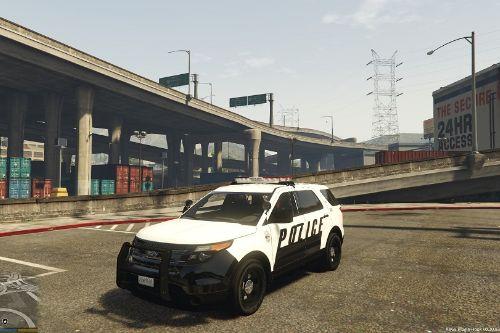
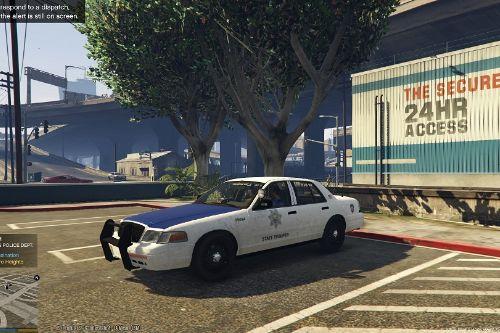
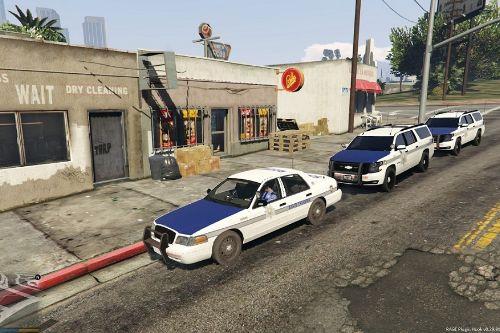
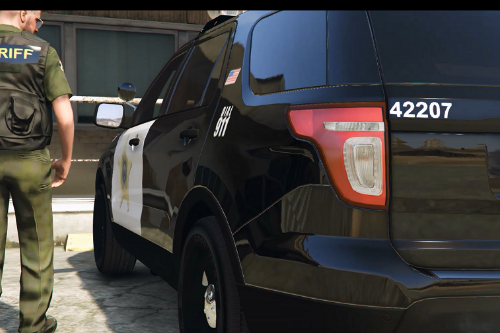
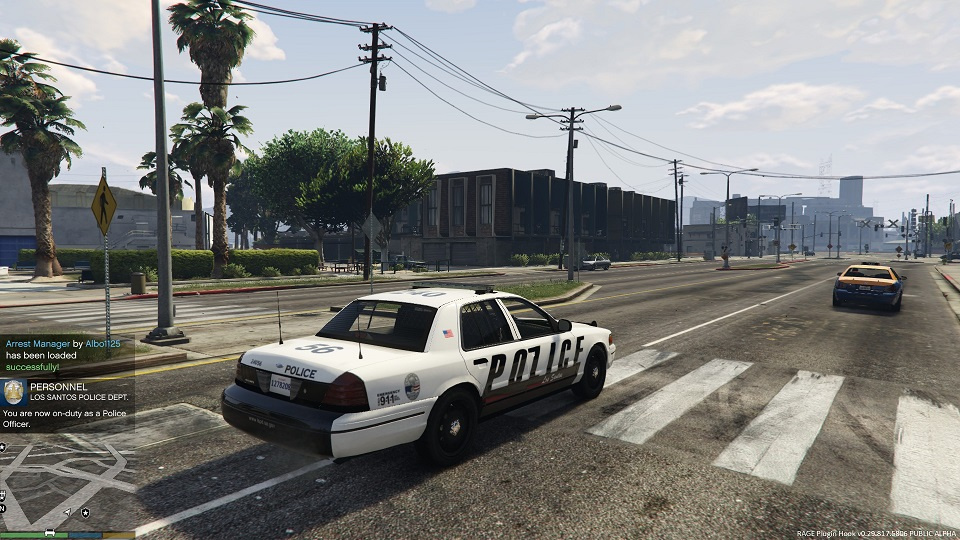
White and Black LSPD CVPI Paintjob
.png)
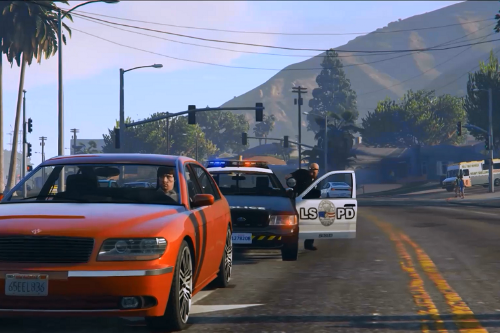
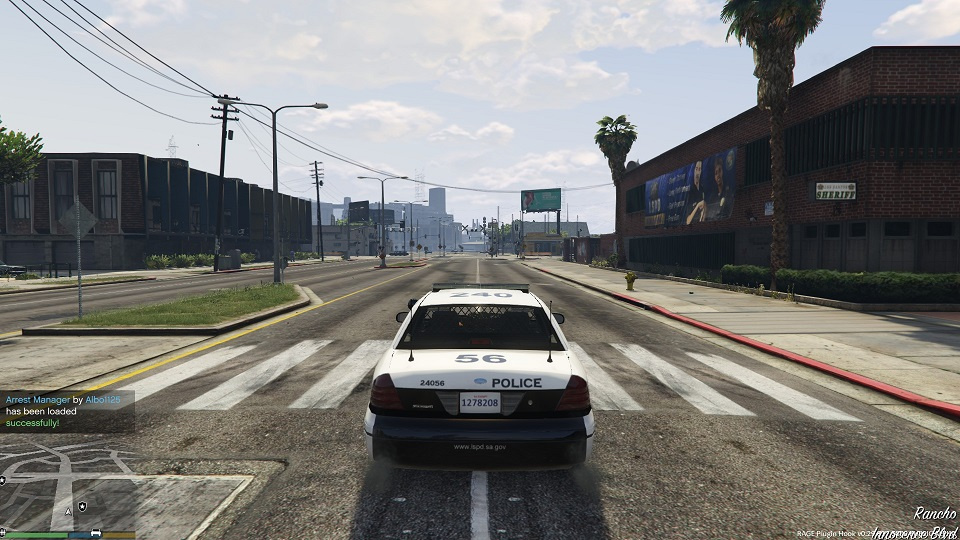
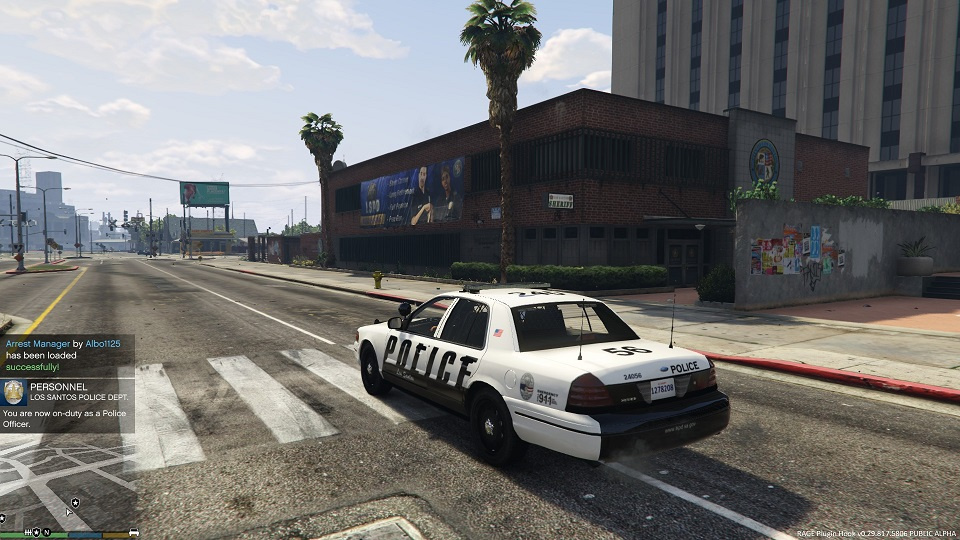
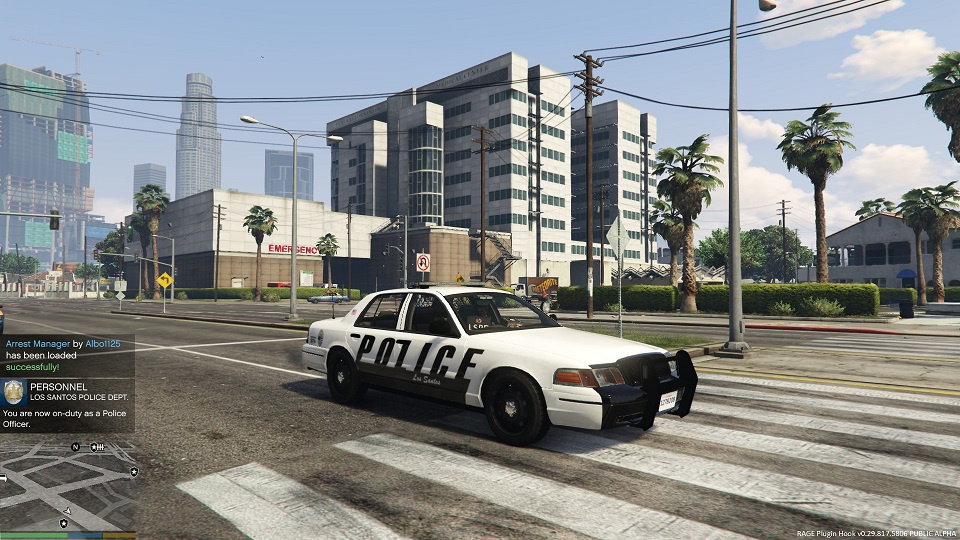
366
9
366
9
Install:
Using OpenIV, go to
C:\Program Files (x86)\Steam\steamapps\common\Grand Theft Auto V\x64e.rpf\levels\gta5\vehicles.rpf
or wherever you keep your model that you're using, and in edit mode open the "texture dictionary" file and replace the old textures with the ones from this download.
Model can be found at the following link:
-CVPI: https://www.gta5-mods.com/vehicles/lapd-unmarked-cvpi
Using OpenIV, go to
C:\Program Files (x86)\Steam\steamapps\common\Grand Theft Auto V\x64e.rpf\levels\gta5\vehicles.rpf
or wherever you keep your model that you're using, and in edit mode open the "texture dictionary" file and replace the old textures with the ones from this download.
Model can be found at the following link:
-CVPI: https://www.gta5-mods.com/vehicles/lapd-unmarked-cvpi
Eerste Upload: 30 december 2015
Laatst bijgewerkt: 30 december 2015
Laatst Gedownload: 22 januari 2025
2 Reacties
Install:
Using OpenIV, go to
C:\Program Files (x86)\Steam\steamapps\common\Grand Theft Auto V\x64e.rpf\levels\gta5\vehicles.rpf
or wherever you keep your model that you're using, and in edit mode open the "texture dictionary" file and replace the old textures with the ones from this download.
Model can be found at the following link:
-CVPI: https://www.gta5-mods.com/vehicles/lapd-unmarked-cvpi
Using OpenIV, go to
C:\Program Files (x86)\Steam\steamapps\common\Grand Theft Auto V\x64e.rpf\levels\gta5\vehicles.rpf
or wherever you keep your model that you're using, and in edit mode open the "texture dictionary" file and replace the old textures with the ones from this download.
Model can be found at the following link:
-CVPI: https://www.gta5-mods.com/vehicles/lapd-unmarked-cvpi
Eerste Upload: 30 december 2015
Laatst bijgewerkt: 30 december 2015
Laatst Gedownload: 22 januari 2025
 5mods on Discord

good work dude
@Matt ty :)